Open your team
Go to the Teams tab and tap your team. You'll see your roster, members, and upcoming events.
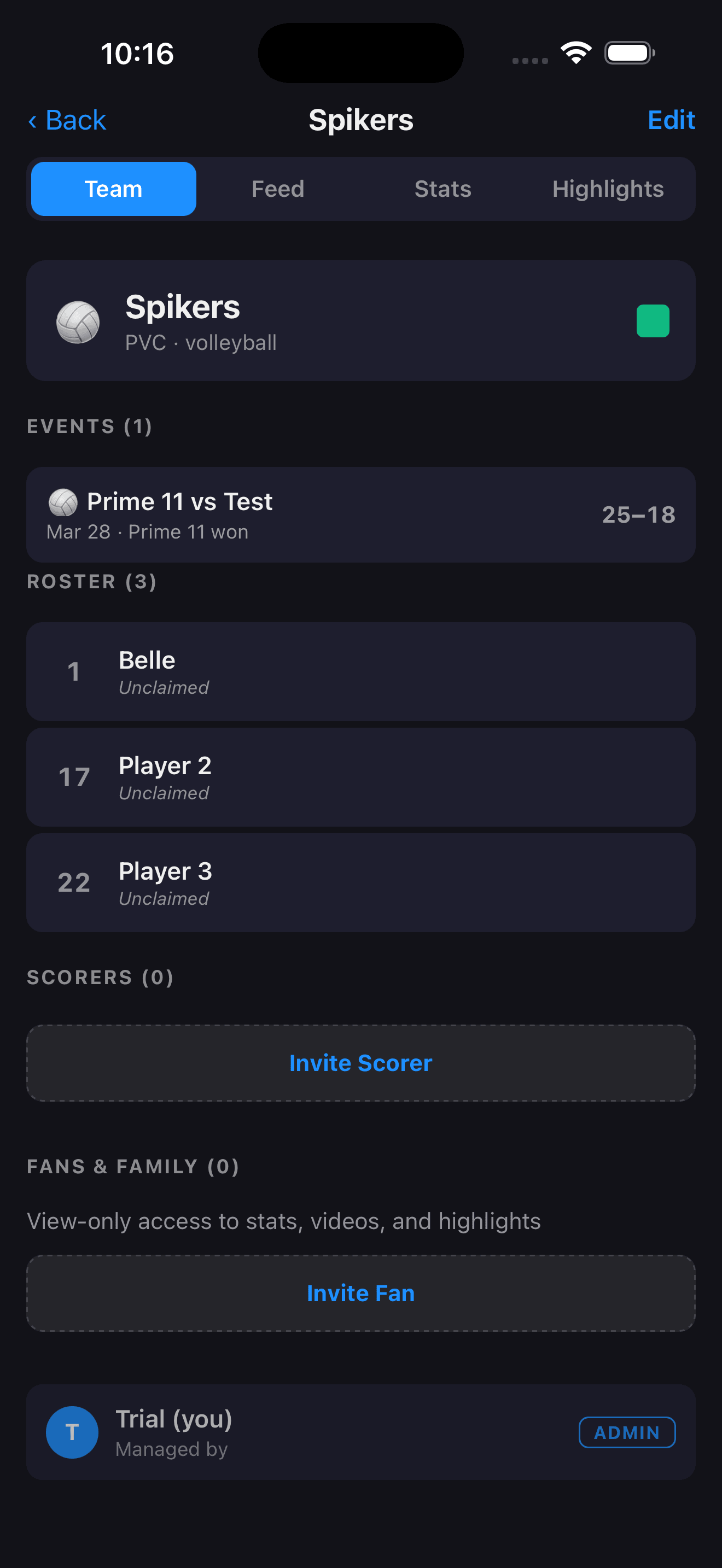
Tap Invite Fan (or Invite Scorer)
Scroll down to the members section and tap Invite Fan. The share sheet opens instantly — send the link via text, email, or any messaging app.
Fan = view-only access (scores, highlights, box scores). Scorer = can also keep score during games.
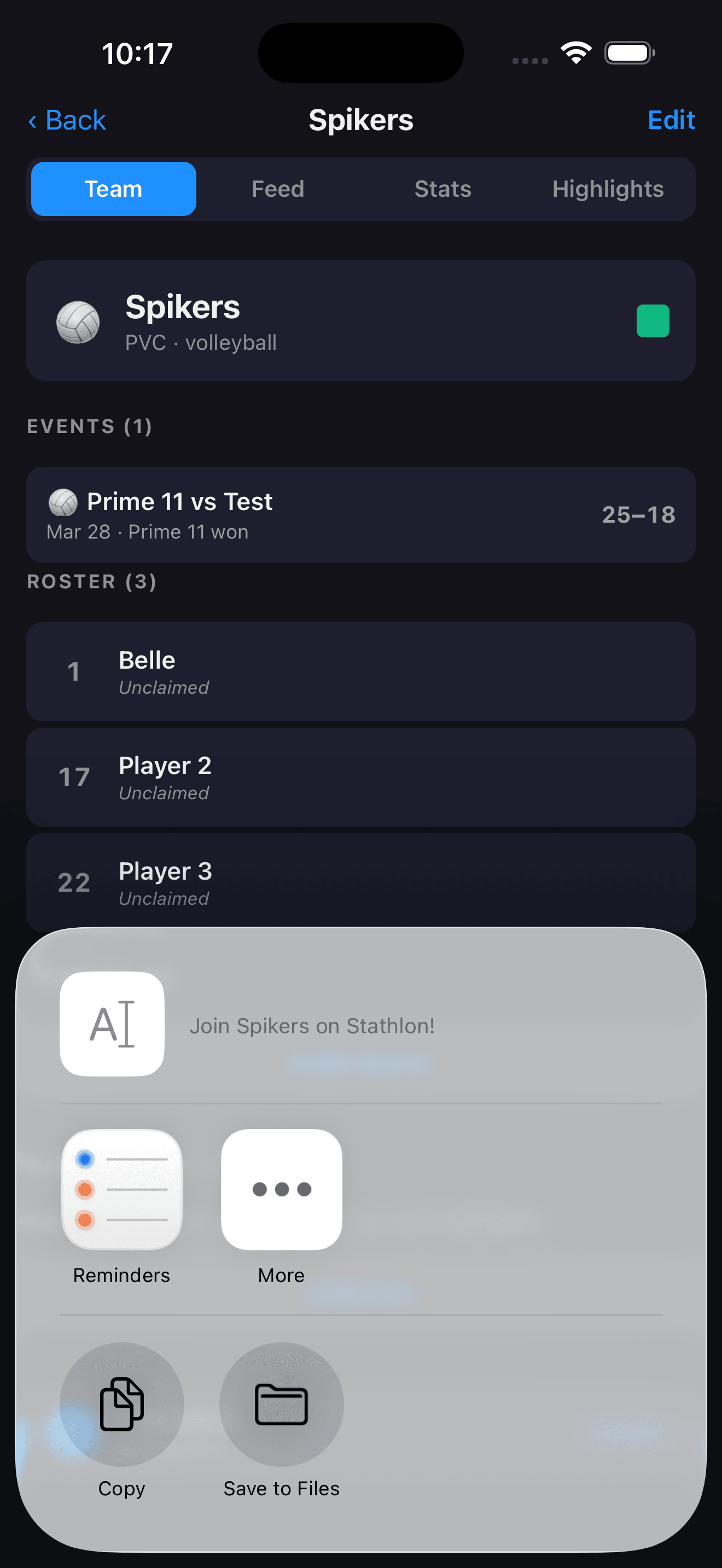
Fan taps the link and joins
The recipient taps the link, downloads Stathlon (or opens it if already installed), and is automatically added to your team. They land directly on the team page — no codes to type.
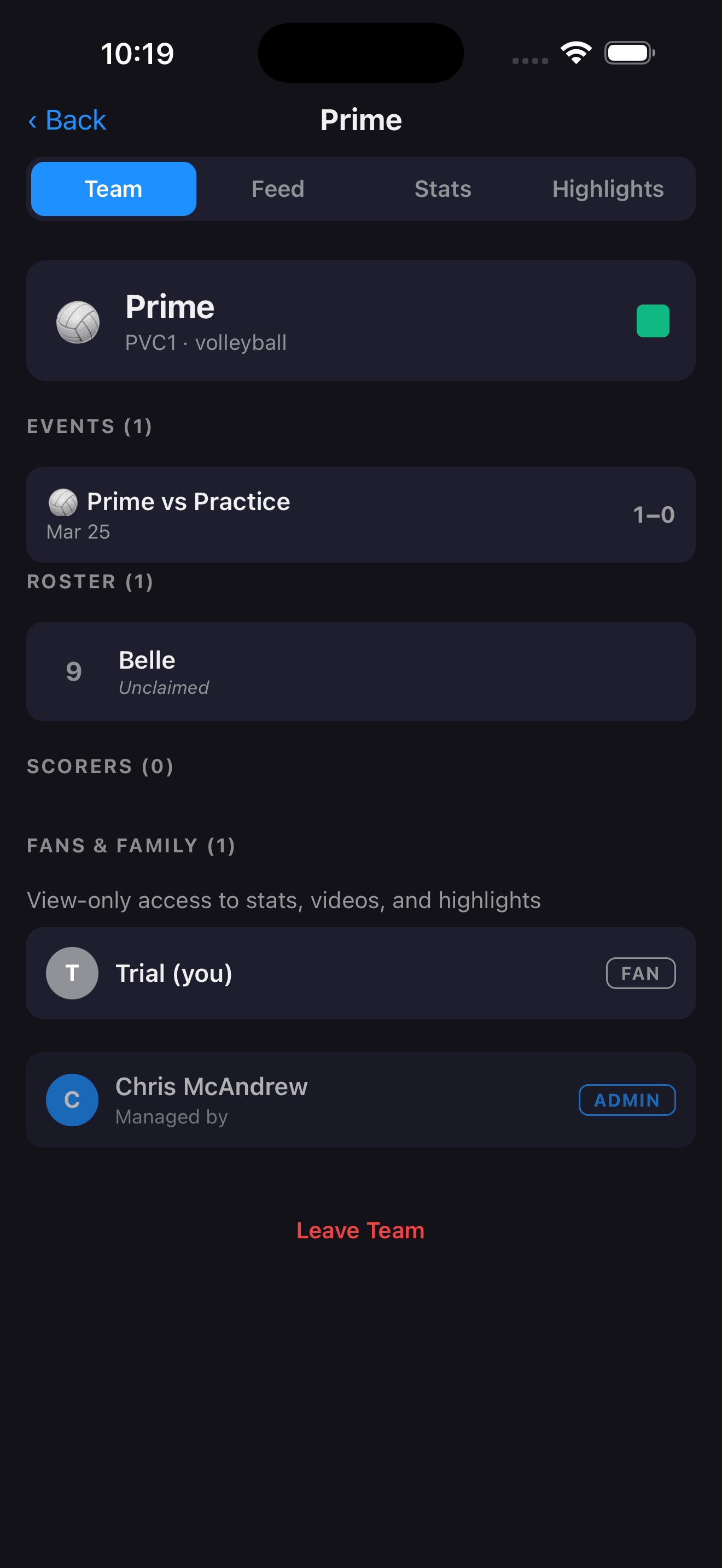
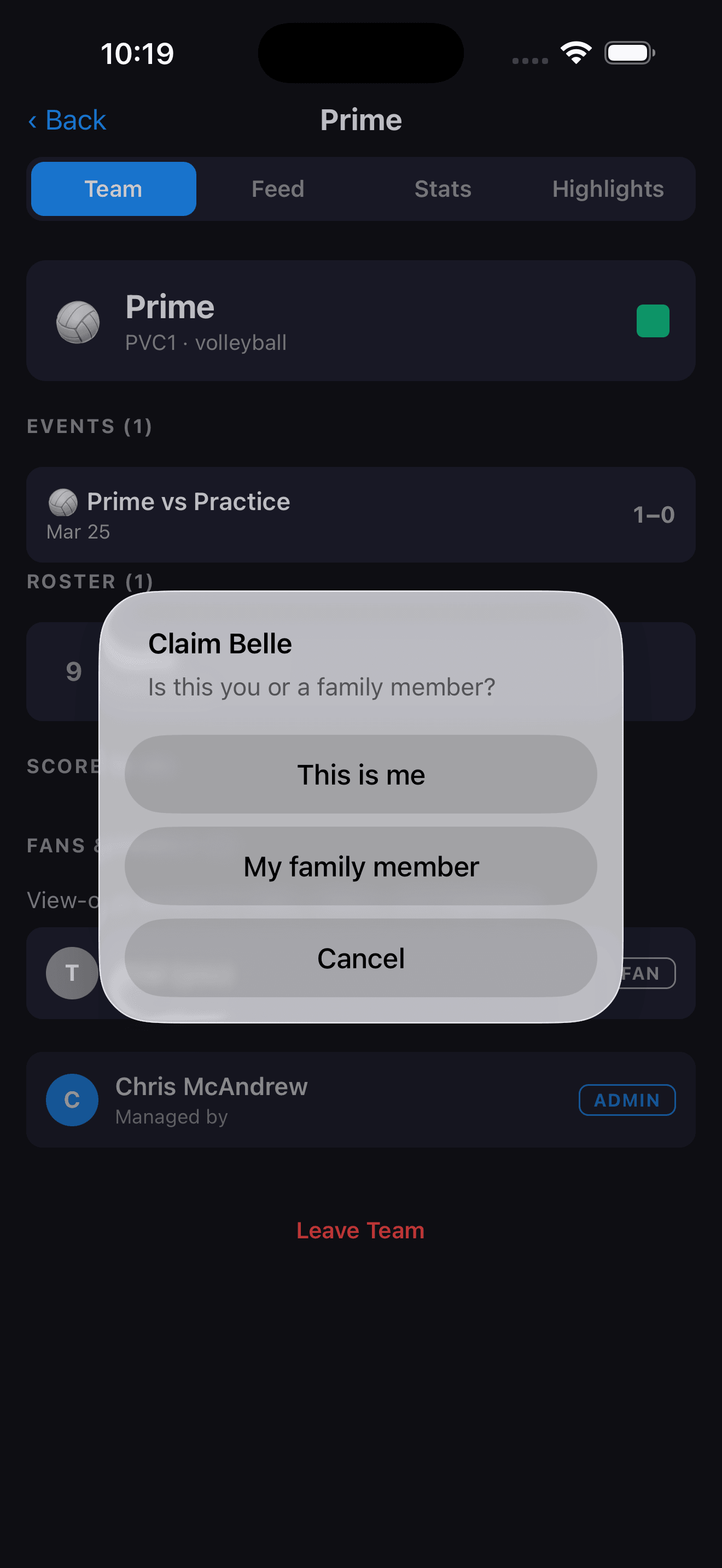
Fan claims their player
On the team page, the fan taps their kid's name in the roster and taps Claim. This links their account to that player — now they'll see personalized stats and highlights.
Score a game with player attribution
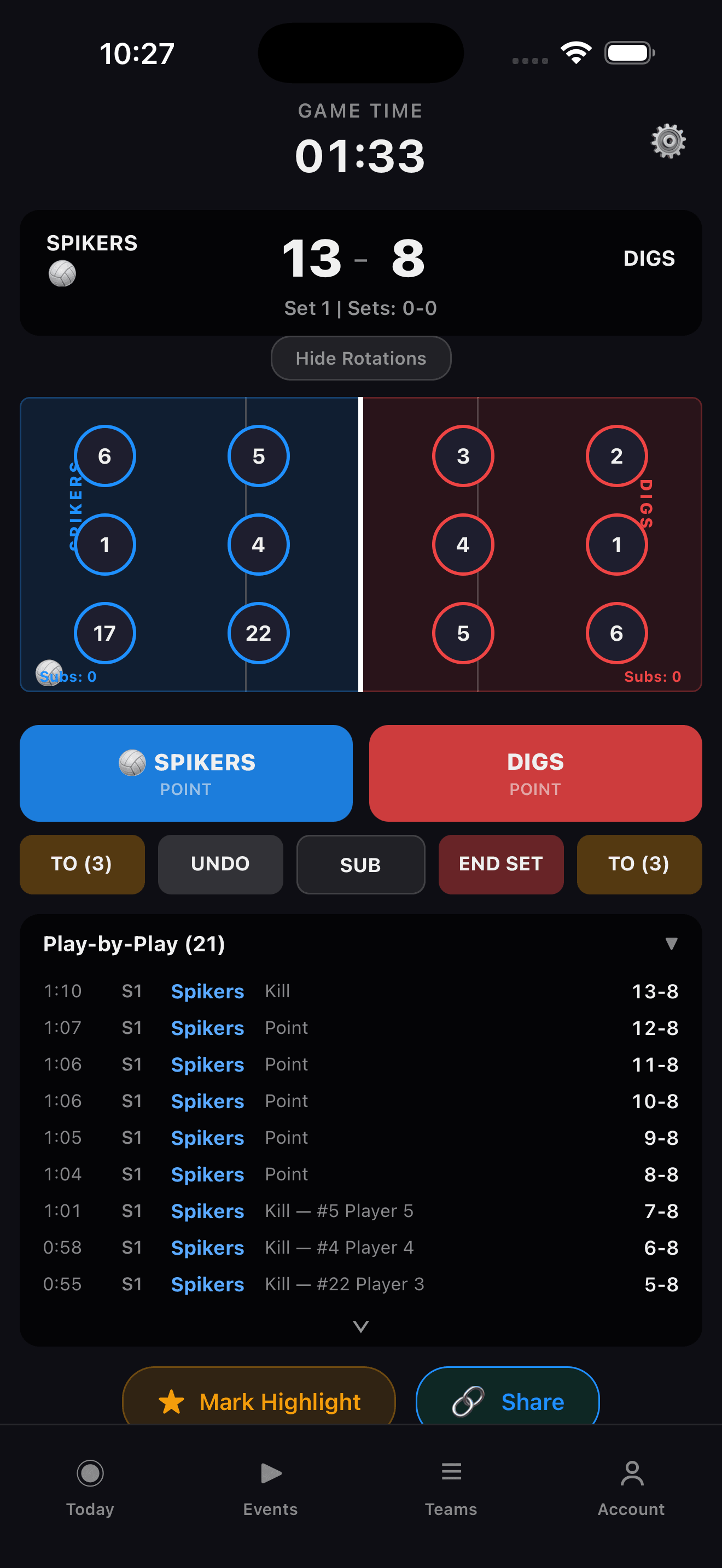
On game day, start scoring from the Today tab or the Events screen. Every play is attributed to a player — the box score fills in automatically.
Share the box score and highlights
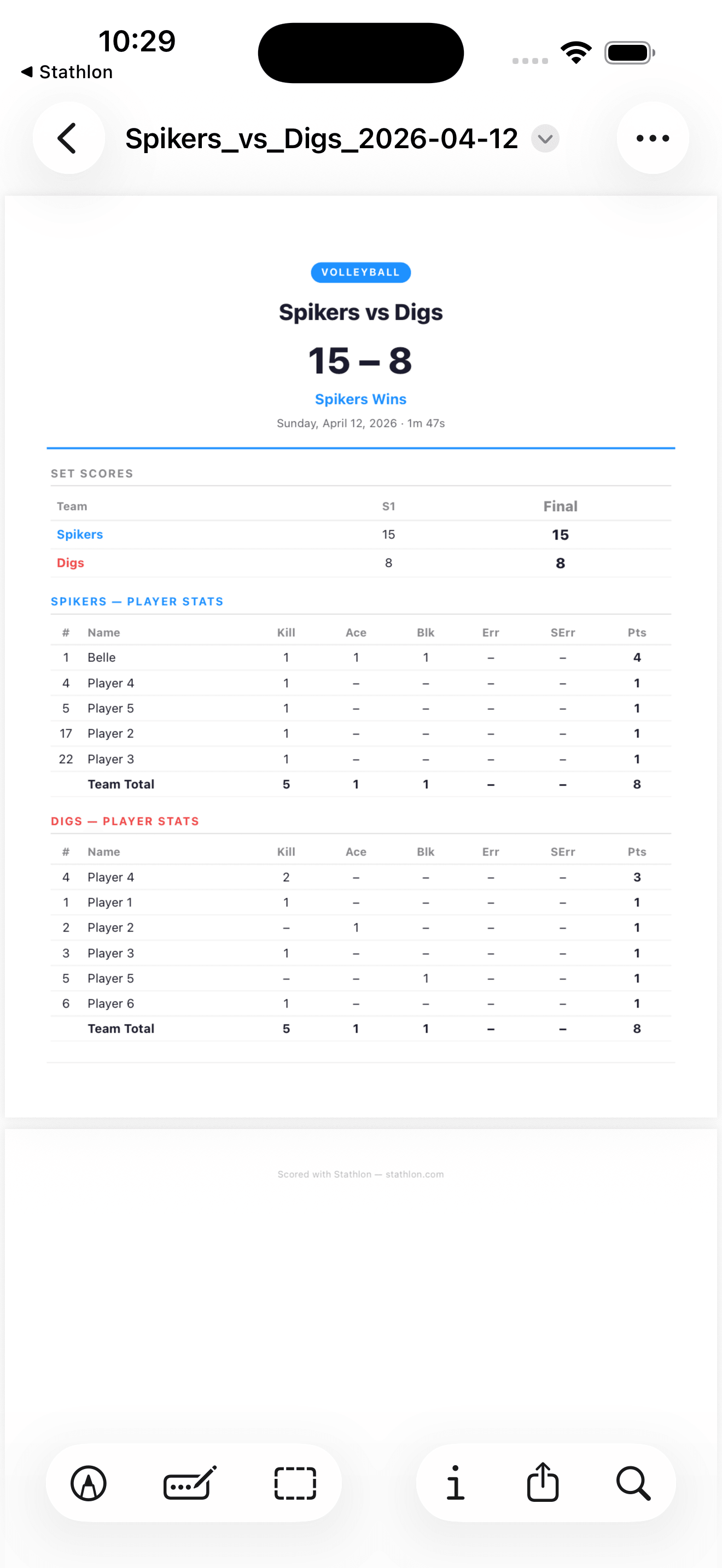
After the game, open the event and tap Share to send the box score. Parents see their kid's stats — completions, touchdowns, receptions — without a spreadsheet.
Highlight clips are auto-tagged to the player who made the play. Share them directly to social media.
Ready for game day?
Invite your team now so everyone's set up before the first whistle. It takes less time than filling out a paper scoresheet.